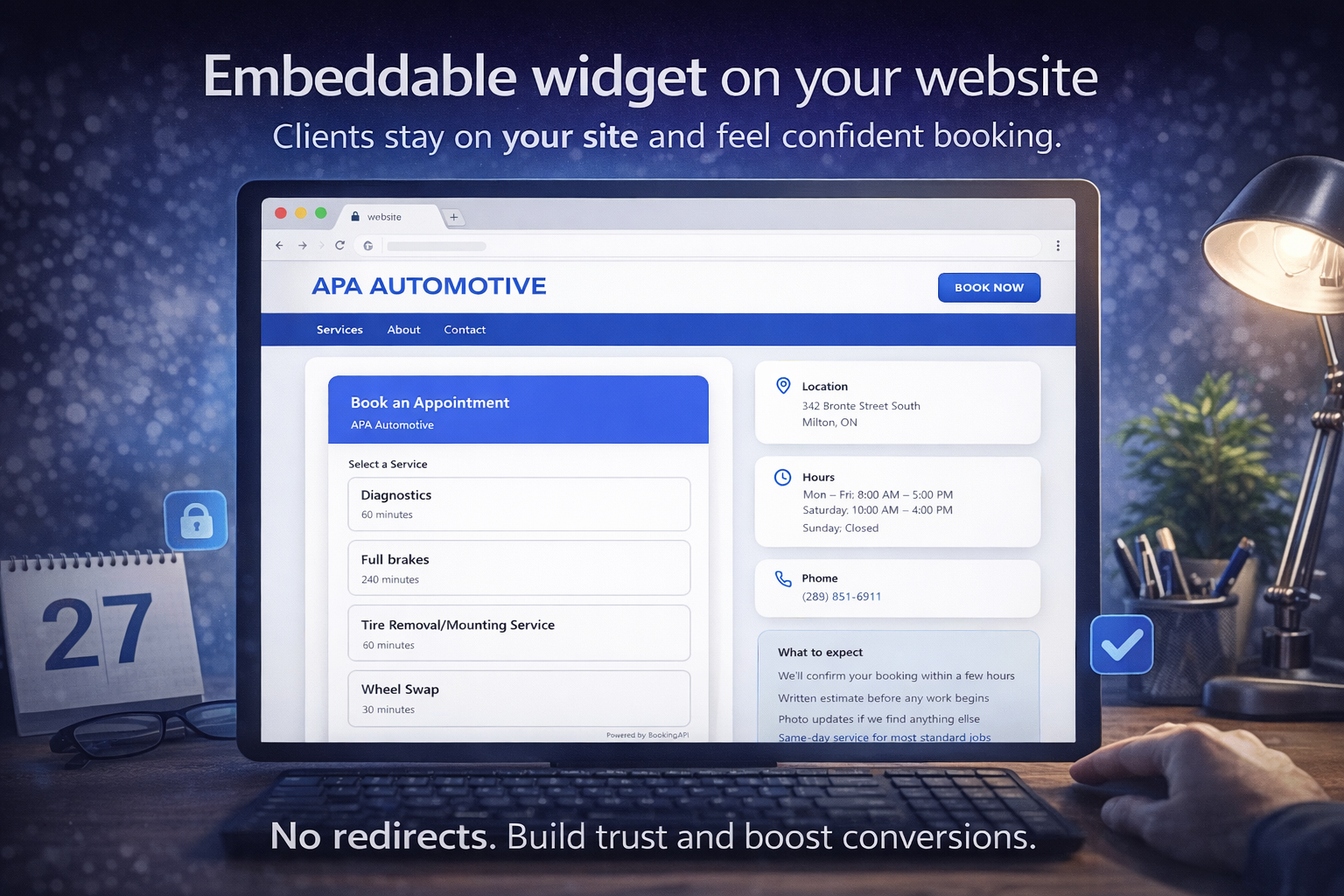
Adding online booking to your website used to mean hiring a developer. Not anymore.
With BookingAPI's embeddable widget, you can have a fully functional booking system on your site in under 5 minutes. Here's how.
## Step 1: Create Your Account (1 minute)
Sign up at bookingapi.ca and create your business profile. Enter your business name, industry, and location.
## Step 2: Add Your Services (2 minutes)
Add the services you offer — name, duration, and price. For example: 'Men's Haircut, 30 minutes, $35' or 'Deep Tissue Massage, 60 minutes, $90.'
## Step 3: Set Your Hours (30 seconds)
Set your working hours for each day. The widget will only show available slots within these hours.
## Step 4: Copy the Embed Code (30 seconds)
Go to your dashboard, click 'Widget,' and copy the embed code. It's a single line of HTML.
## Step 5: Paste It On Your Site (1 minute)
**WordPress:** Add a Custom HTML block and paste the code. **Wix:** Use an Embed HTML element. **Squarespace:** Add a Code Block. **Any other site:** Paste it in your HTML where you want the booking widget to appear.
That's it. Your customers can now book appointments directly from your website, 24/7.
## What Your Customers See
A clean, mobile-friendly booking form that shows your available services, time slots, and lets them confirm in seconds. It matches your site's style and works on any device.
## No Monthly Fees
BookingAPI charges per booking, not per month. You only pay when customers actually book. No setup fees, no monthly minimums.