Google Calendar is an excellent personal tool. But using it as your business booking system is like using a spreadsheet as your accounting software — it works until it doesn't.
## The Problems Start Small
At first, it seems fine. You create events for each appointment, maybe share the calendar with your team. But then:
**Double bookings happen.** Two people see the same open slot and both call to book it. You're left making an awkward phone call to one of them.
**You can't take bookings while busy.** When you're with a client, you can't answer the phone. The calendar just sits there, unable to accept bookings on its own.
**No customer-facing view.** You can see your availability, but your customers can't. They have to call or message to ask 'are you free Thursday at 2?'
## What Business Scheduling Actually Needs
A proper booking system does things Google Calendar was never designed for: showing real-time availability to customers, preventing double-bookings automatically, sending confirmations and reminders, and accepting bookings 24/7 without your involvement.
## Google Calendar as a Companion, Not the System
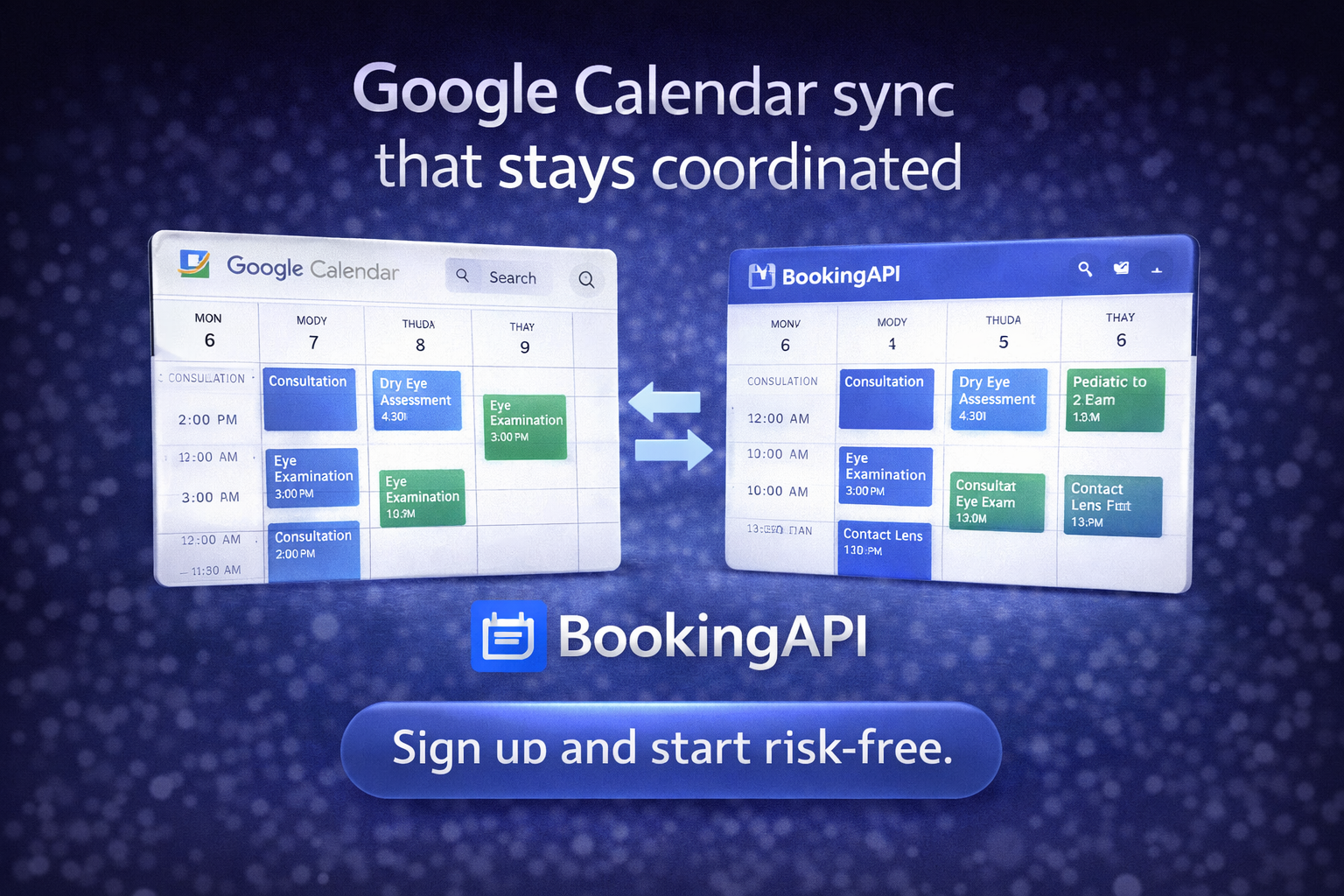
The best approach is using Google Calendar as a projection of your real booking system. BookingAPI does exactly this — your database is the source of truth, and appointments automatically appear on your Google Calendar for your reference.
You get the best of both worlds: a proper booking engine for your customers, and Google Calendar for your personal scheduling view.
## Making the Switch
You don't have to abandon Google Calendar. You just stop making it do a job it wasn't designed for. Set up BookingAPI, connect your Google Calendar, and let each tool do what it's best at.