You are a busy barber. You don’t have time to configure complex scheduling software or migrate client lists. In this guide, we show you how to set up online booking for your barbershop in exactly 2 minutes.
Why Google Calendar is All You Need
Most barbers already use Google Calendar. When you connect BookingAPI, we instantly sync with your existing schedule. No need to learn a new system.
Step 1: Connect Your Calendar
Click the sign up link and authorize Google Calendar. It's completely secure, and we only ask for the permissions needed to add and manage bookings.
Step 2: Share Your Link
Once connected, you get a unique link (e.g., bookingapi.ca/book/your-shop). Add this to your Instagram bio and website.
Step 3: Get Booked
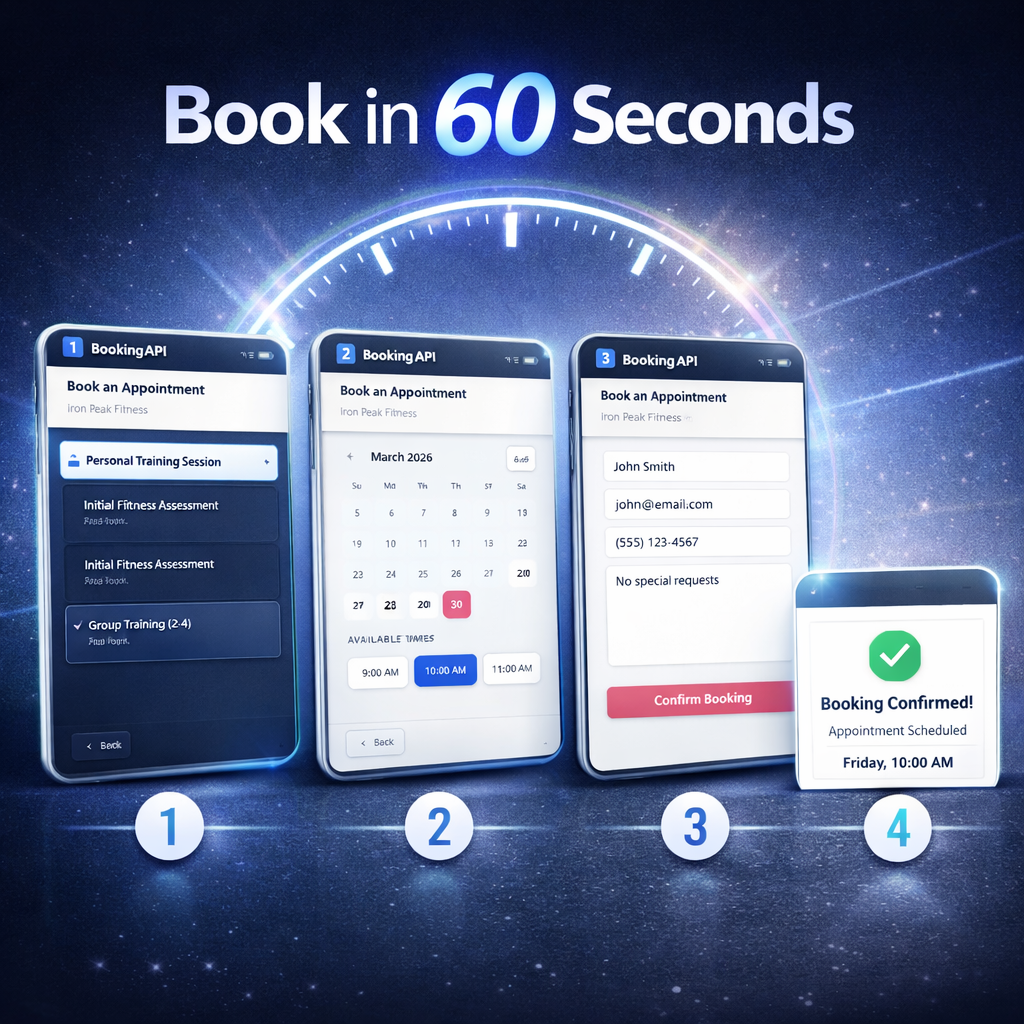
Customers click the link, see your live availability, and book. You get an email confirmation and it pops straight onto your calendar. No monthly fees, just 3¢ per booking.
If you're paying $30/month for Vagaro, see our Vagaro vs BookingAPI comparison.